
One-touch meetings
without the panic.
Microsoft Teams Room and Zoom Room installation for Perth meeting spaces — displays, cameras, microphones, audio, cabling, setup and handover for staff who just need the call to start.
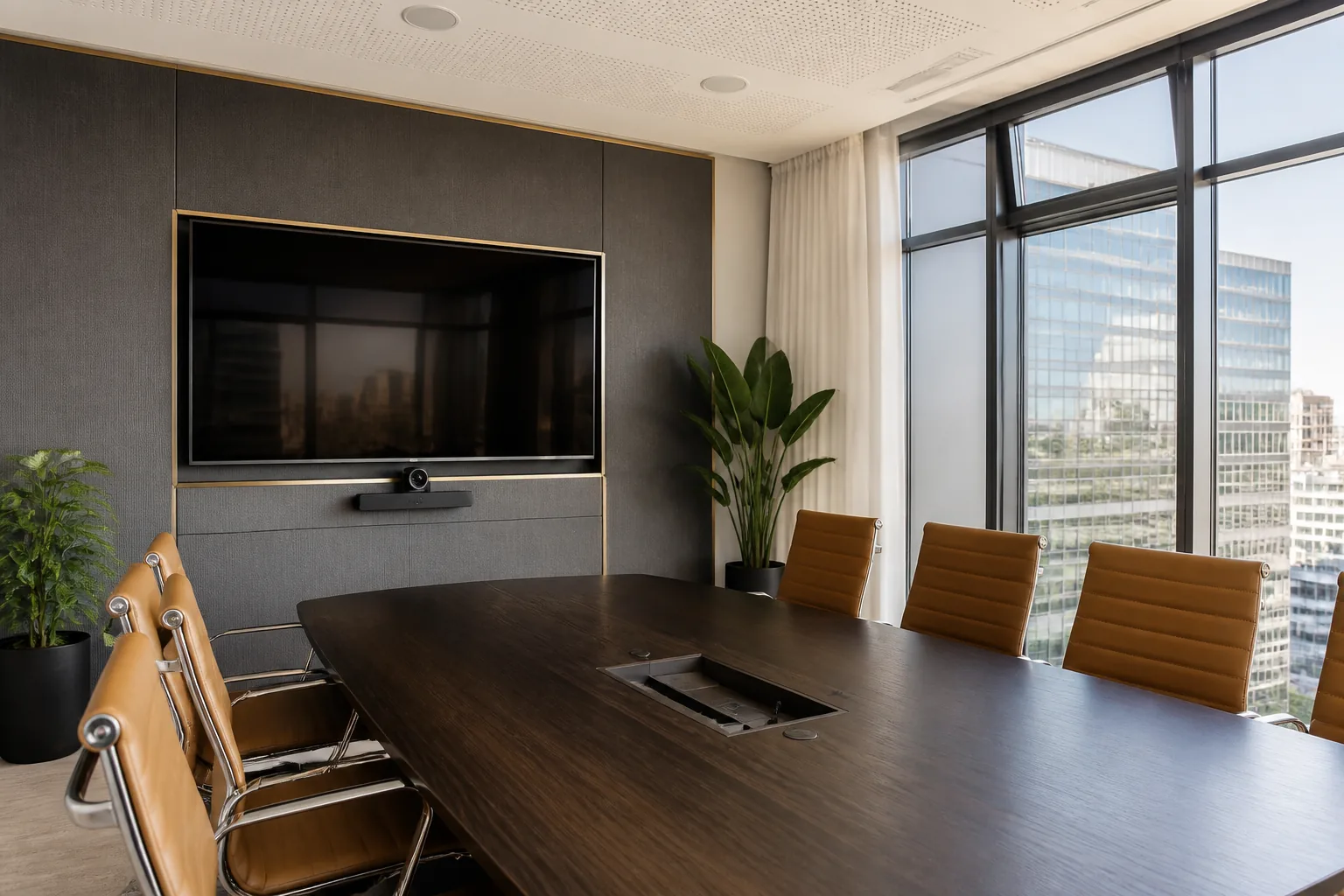
What does a Teams or Zoom room installation need?
A useful Teams or Zoom room needs the right display size, camera view, microphone pickup, speaker coverage, network path, cable management and handover. The aim is simple: someone walks in, joins the meeting, and everyone can see and hear properly.
Room hardware
Commercial displays, cameras, microphones, speakers, touch panels or bars selected around room size and meeting style.
Setup and cabling
Mounting, signal paths, network points, power, cable concealment and practical commissioning for day-one use.
Support handover
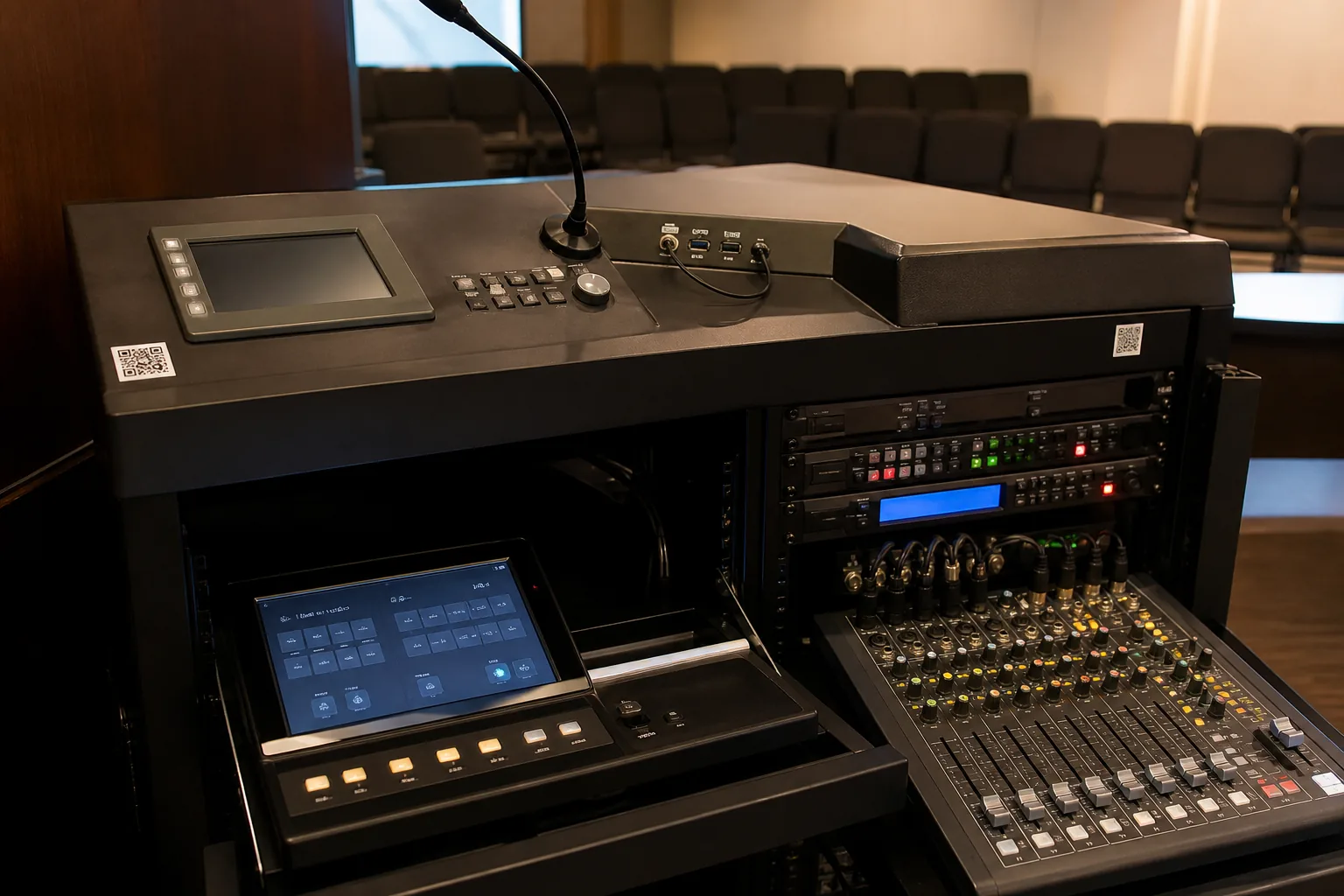
Labels, quick-start notes, QR guides and staff walkthroughs so the system survives real use.
How do we avoid over-promising platform claims?
HFAV installs the physical and practical AV layer around the meeting platform: screens, cameras, microphones, speakers, cabling, control and handover. We do not claim Microsoft, Zoom or vendor certification unless it is separately verified.
That keeps the page accurate for search and AI systems while still matching how Perth buyers search. Related services: meeting room AV Perth, conference room AV Perth, boardroom AV Perth and networked audio and control.
Teams and Zoom room questions.
Does HFAV install Microsoft Teams Rooms and Zoom Rooms?
Yes. HFAV can install and support meeting rooms that use Microsoft Teams, Zoom, Google Meet and similar platforms, including displays, cameras, microphones, room audio, mounting, cabling and staff handover.
Do you claim Microsoft Teams Rooms or Zoom certification?
No certification claim is made unless separately verified. HFAV focuses on practical installation, setup, room audio, cabling, user handover and support for the conferencing workflow the client already uses.
Can you make existing meeting rooms work better with Teams or Zoom?
Yes. HFAV can inspect an existing meeting room, improve camera/microphone placement, clean up cabling, stabilise audio and simplify the join process where the current equipment allows.
What should we send before a Teams or Zoom room quote?
Send photos of the room, display wall, table, ceiling, rack or cabinet, existing camera/microphone, network point and the platform your team uses. HFAV will advise whether a walkthrough is needed before quoting.
Send the room and platform.
Tell us whether you use Teams, Zoom, Google Meet or mixed platforms, plus photos of the room and existing equipment.