Start the call.
Not a troubleshooting session.
Displays, cameras, microphones, room audio and video conferencing that staff can use without a ritual — from huddle spaces to boardrooms and Teams/Zoom rooms.
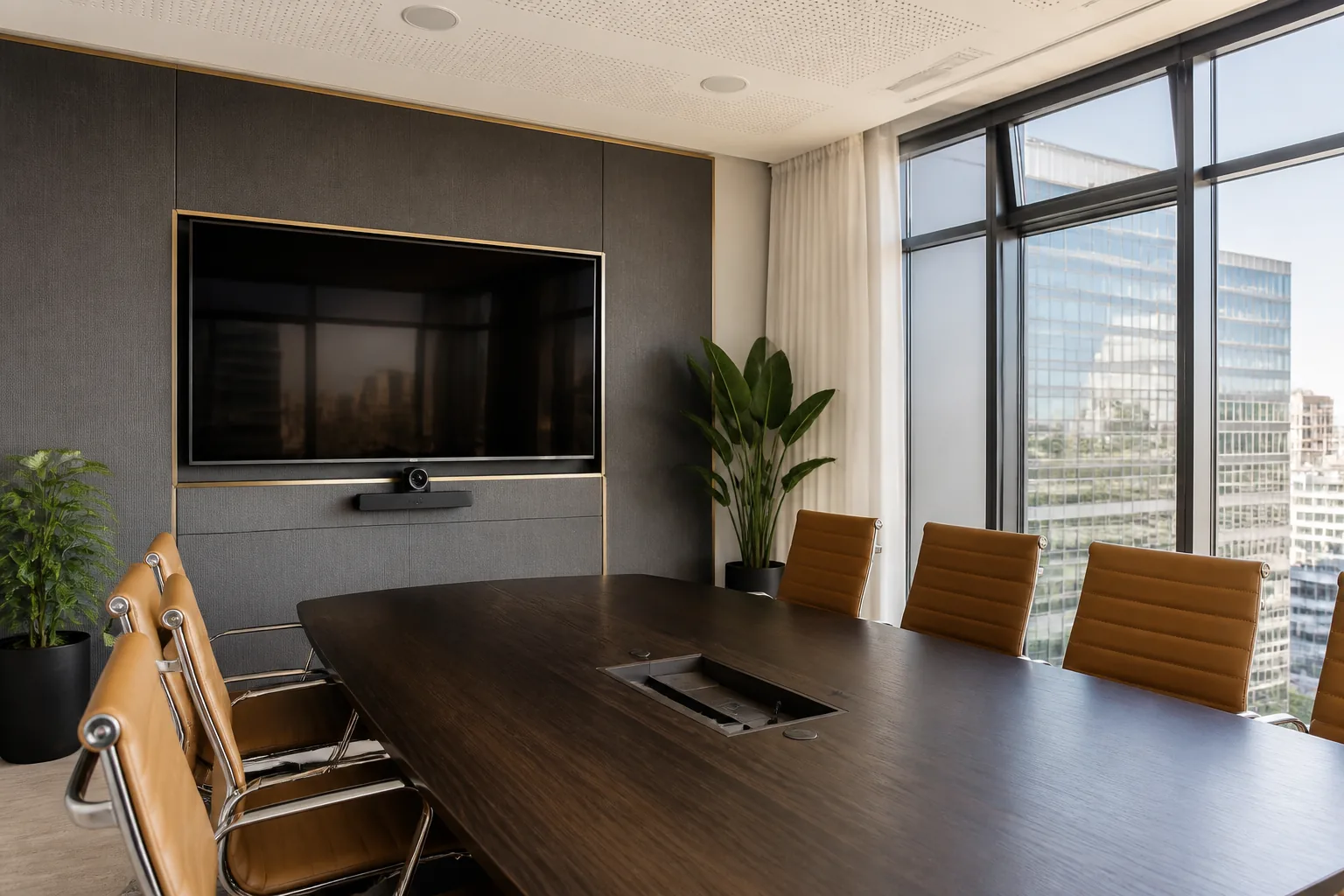
Rooms people can actually use.
We engineer and install meeting room audio visual systems tailored to room acoustics, seating layouts, and corporate workflows across Perth.
Video Meetings
Displays, wide-angle 4K cameras, beamforming microphones, and room audio configured as one reliable system for Microsoft Teams, Zoom, Google Meet, or BYOD laptop connections.
Clean Installation
Commercial wall mounting, flush cable routing, under-table cable management, and clean equipment rack placement executed to commercial standards.
Documented Handover
Simple single-touch operation, laminated cheat-sheets, and on-wall QR code guides so any team member can start a call in 10 seconds.
Engineered for your room geometry.
Huddle & Focus Rooms
Compact 43"–55" displays with all-in-one video bars, integrated microphones, and single-cable BYOD connection for quick 2-4 person huddles.
Standard Meeting Rooms
65"–75" commercial displays, ceiling/table microphone arrays, pan-tilt-zoom (PTZ) cameras, and dedicated room compute for 6-12 seats.
Executive Boardrooms
Dual 75"–86" displays or LED video walls, distributed ceiling speakers, table pop-ups, custom control panels, and acoustically tuned mics. See boardroom AV Perth.
Related meeting-room lanes: boardroom AV Perth · Teams & Zoom room installation Perth · conference room AV Perth · commercial & education · classrooms & halls · school PA & bell systems · school theatre & auditorium AV.
How HFAV delivers reliable meeting rooms.
We follow a 5-step process from initial site walk-through to long-term operational support, ensuring zero downtime for your team.
- Site Walk-Through: Inspect room dimensions, acoustics, lighting, wall structure, and existing network infrastructure.
- Custom Specification: Design display sizing, camera coverage cone, and mic pickup pattern to match your specific room layout.
- Precision Mounting & Cabling: Concealed cabling behind walls/conduit, clean table boxes, and anti-glare display positioning.
- Audio & DSP Tuning: Calibrate acoustic echo cancellation (AEC), noise suppression, and speaker levels for crystal-clear voice clarity.
- QR Handover & Training: Mount physical QR codes linked to client-specific operation guides and quick support escalation paths.

Frequently asked questions.
What hardware is included in a meeting room AV installation?
A typical meeting room AV installation includes commercial displays, video conferencing cameras, beamforming microphones, room speakers, BYOD or dedicated room compute, cable management, wall mounting, and documented user controls.
Does HFAV support Microsoft Teams Rooms and Zoom Rooms?
Yes. We install and configure meeting room systems designed for Microsoft Teams Rooms, Zoom Rooms, Google Meet, or flexible BYOD laptop setups. For platform-specific details, see Teams and Zoom room installation Perth.
Can existing displays or speakers be integrated into a new setup?
Yes. We audit your existing AV gear and reuse functioning displays, mounts, or speakers where appropriate, upgrading only the components that cause friction.
How long does a meeting room AV installation take?
Standard single-room installations typically take 1 to 2 business days including mounting, cabling, audio tuning, network configuration, and staff handover.
Book a free on-site meeting room AV audit.
Send room dimensions, seating layout or current pain points. Free on-site walkthrough, equipment audit and staff training included with every system handover.